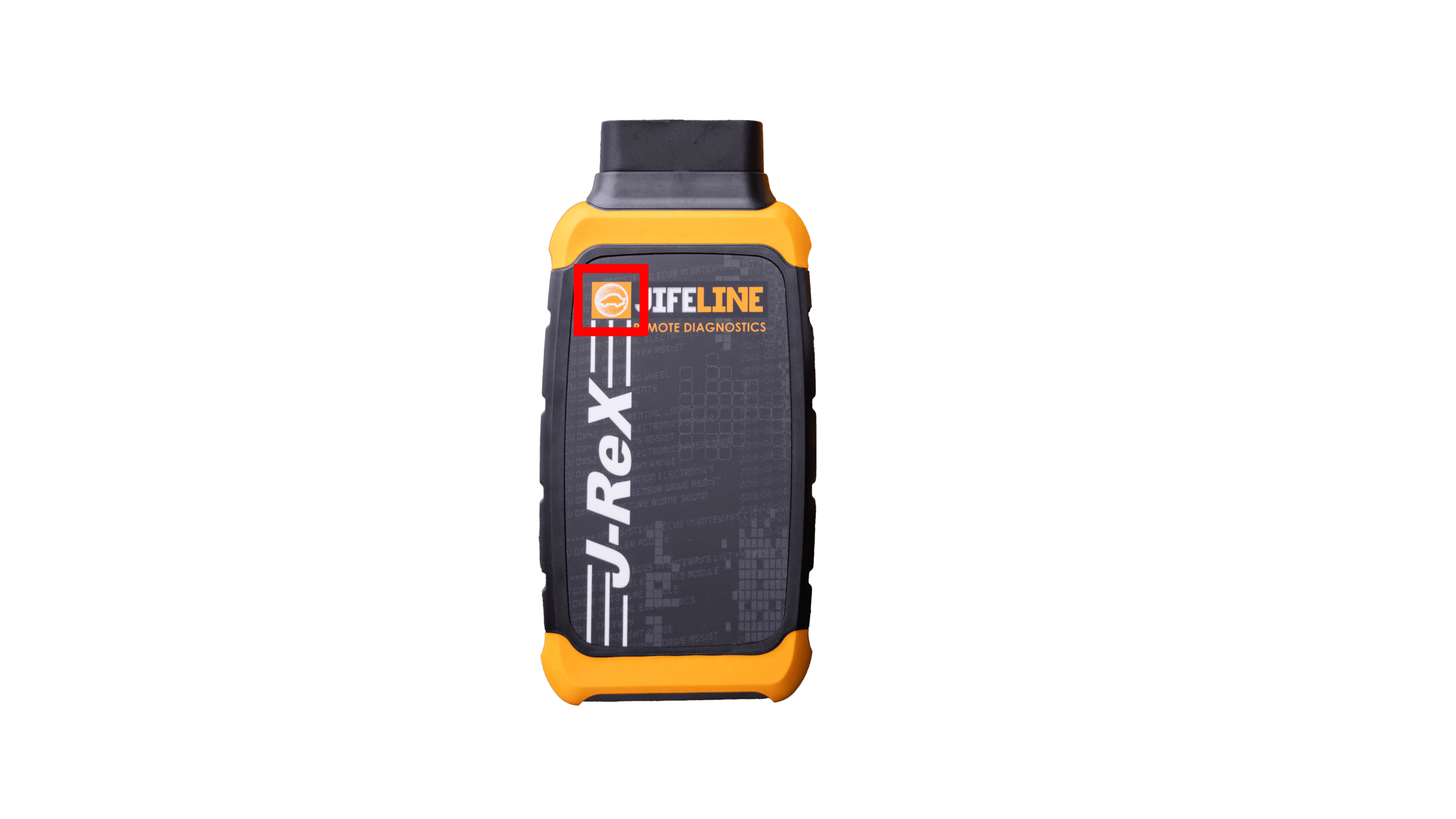
LED Status Colors of the J-ReX
On top of the J-ReX, there are blinking LED lights that turn on as soon as the device receives power. These lights display different colors to indicate the current status:
LED Status Colors
🟢 Blinking green: powered on
🔵 Solid blue: updating
🟣 Solid purple: your ticket is in progress
🔴 Solid red: your ticket is canceled
🟢 Solid green: your ticket is completed
🟠 Blinking orange: action required
NOTE: When the action required status is active, your attention is needed. You will see the LED blink orange and hear a warning sound every 30 seconds until the required action has been completed.
You can stop the sound by:
🟠 Responding in the chat
🟠 Pressing the back button on the J-ReX, see the image below: